
The right way to clean an AOI or SPI machine on an SMT line is to put it into maintenance mode per the manufacturer’s instructions, blow off hard particles first, wipe the camera window with an 8009 microfiber wiper dampened with IPA, the board conveyor rails with a 1009 polyester wiper, and narrow gaps with foam-tip swabs. PRIMEAG recommends wiping in one direction and never spraying solvent onto the machine.
Night shift, and the AOI keeps stopping. The defect image shows a thin strand across a pad, but re-inspecting the board finds nothing. The fiber is sitting on the camera protective window, left by the paper towel used to wipe the machine at shift handover.
- Lint, fingerprints and solvent streaks on the window cause false calls.
- Window: 8009 microfiber; rails and covers: 1009 or Bemcot; gaps: swabs.
- Dampen the wiper with IPA, do not spray onto the machine; wipe in one direction, then wait for it to dry.
- Which points may be touched and how often: always follow the machine manufacturer’s maintenance instructions.
Why wrong cleaning causes false calls
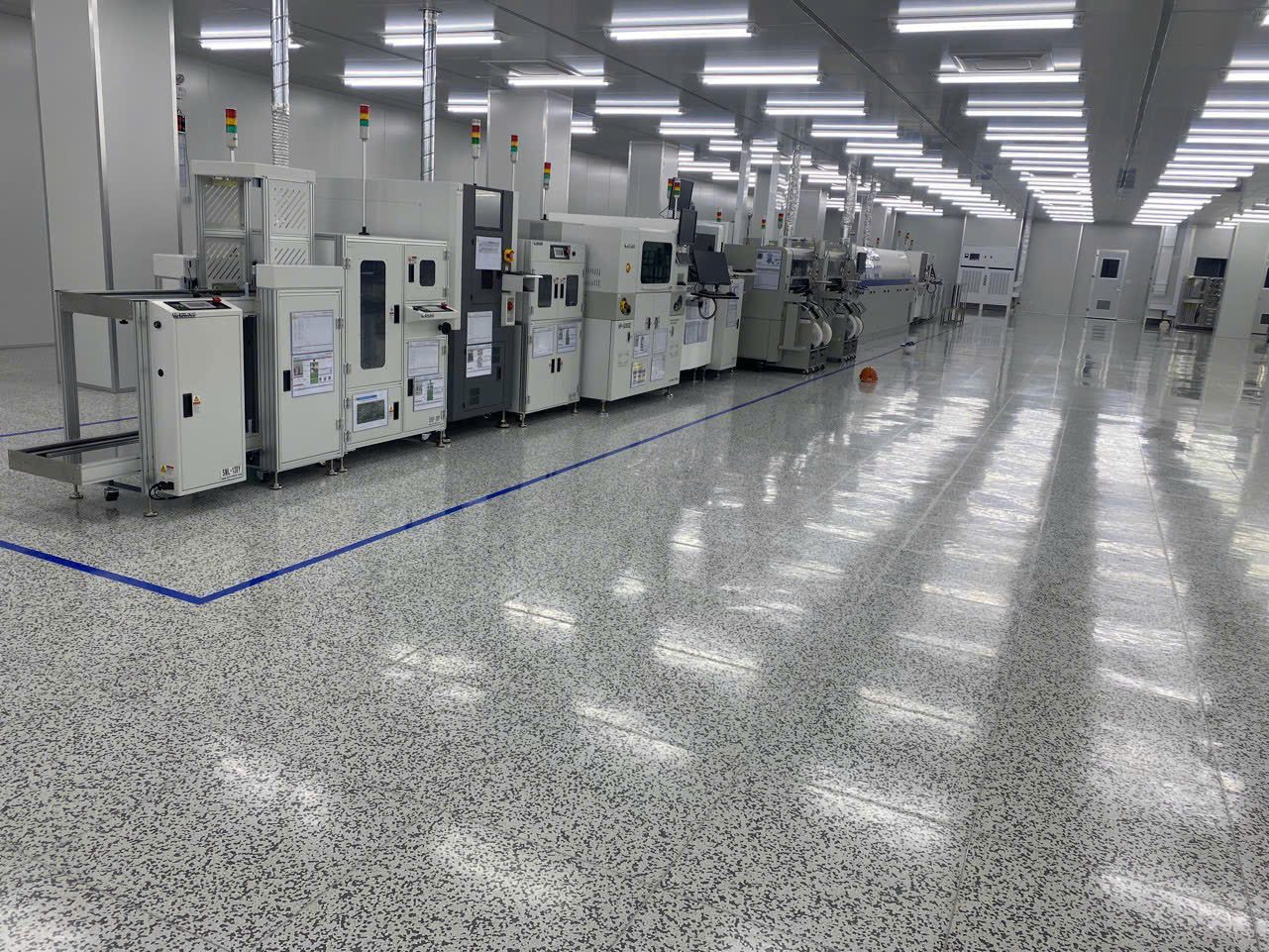
SPI measures solder paste after the printer; AOI images the board and compares it with reference data; both look through a protective window and an illumination zone. Lint, fingerprints or dried IPA streaks in that optical path become foreign marks in the image. The line stops waiting for confirmation, and over time operators get used to just pressing skip.
Koh Young, Omron, Saki, CyberOptics and Mirtec differ in their measuring heads and in which parts may be touched; every step below comes after the machine manufacturer’s maintenance instructions.
Choosing supplies for each point on the machine
| Location | Supplies | Avoid |
|---|---|---|
| Camera protective window, illumination window | 8009 microfiber, dry or lightly dampened with IPA | Paper towels, spraying directly onto the window |
| Board clamp rails, conveyor rails | 1009 polyester dampened with IPA, wipe along the rail | Scrubbing back and forth |
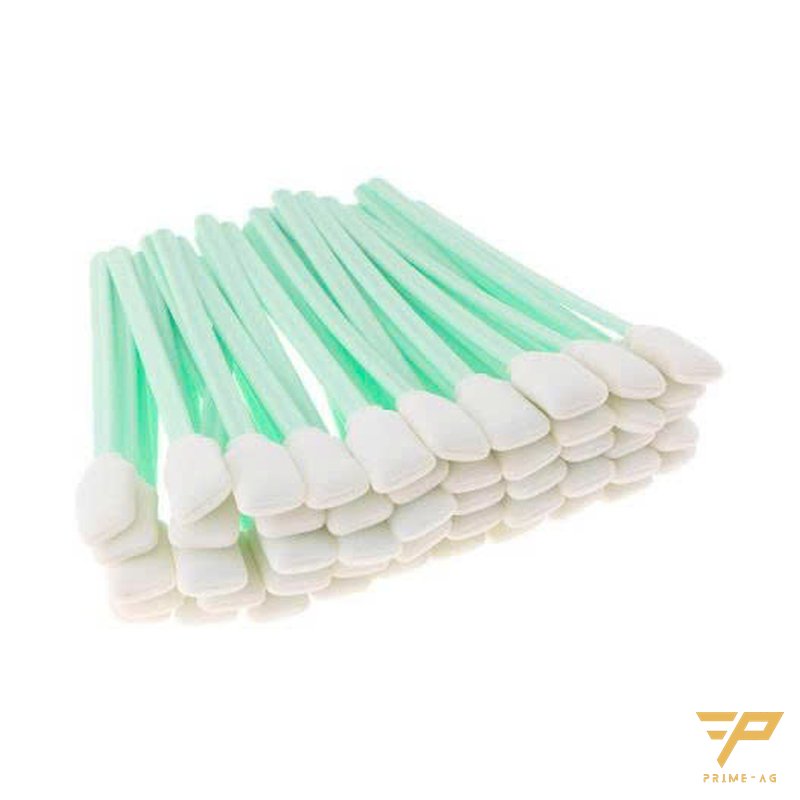
| Rail gaps, window frame corners, cover grooves | Foam-tip or polyester swabs | Medical cotton swabs, wooden handles |
| Covers, machine housing, oil marks | Bemcot M-3 II dampened with IPA | Cloth rags |
| Monitor, keyboard | 1009 wiper, slightly damp, with the monitor off | Spraying into keyboard gaps |
Camera window and illumination zone
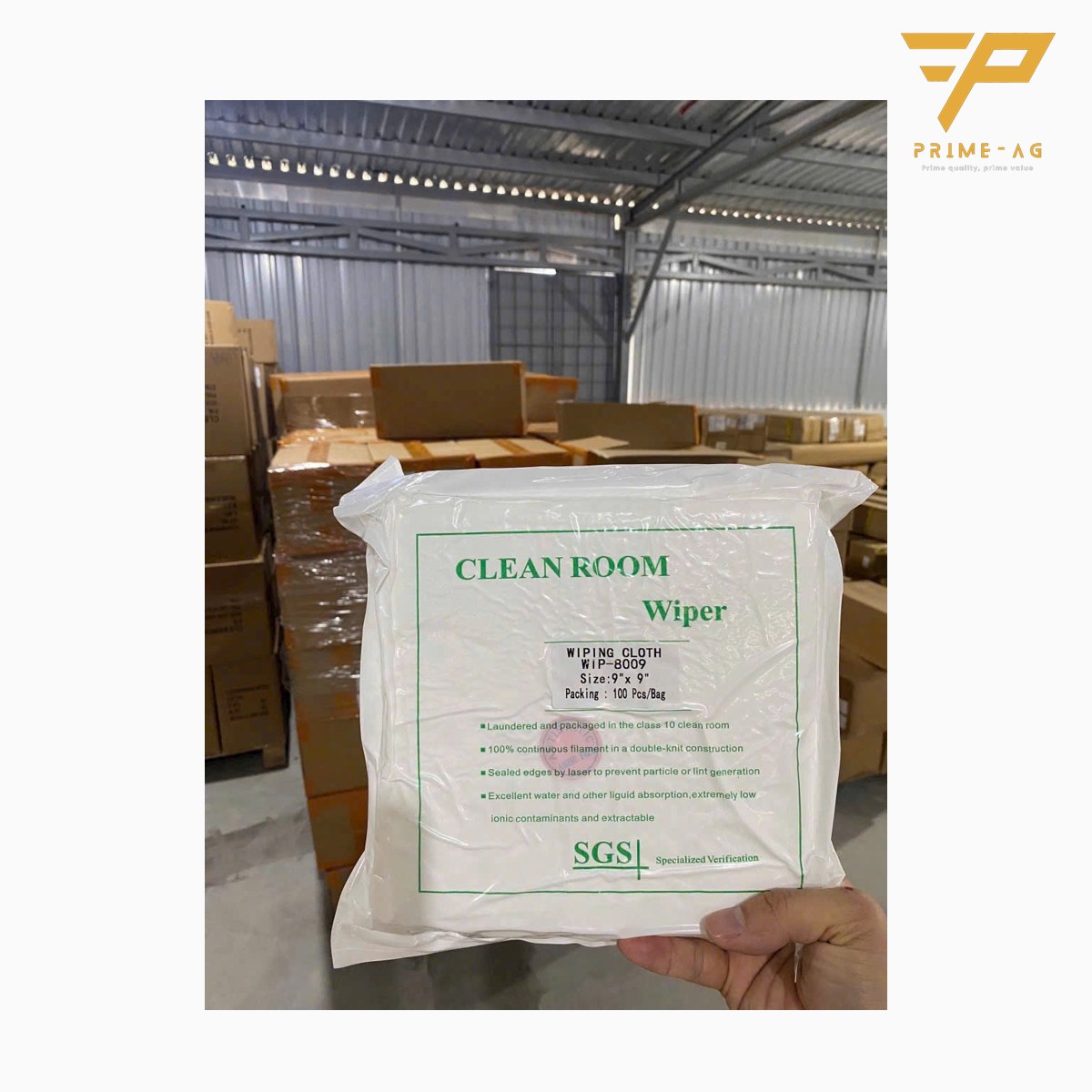
The 8009 microfiber cleanroom wiper uses ultra-fine 70% polyester, 30% polyamide fibers with laser-cut edges, rated class 10–100. The soft fibers do not scratch the window; the edges are slightly stiff, so fold them inward. If there are hard particles such as dried solder paste, blow them off first with filtered compressed air, or the wiper will drag them and cause scratches.
Board clamp rails, covers, machine housing
The 1009 polyester cleanroom wiper is made of continuous-filament double-knit polyester and resists IPA, acetone and ethanol. It is not very absorbent, so dampen it only lightly.
Covers and housings with oil need a more absorbent wiper: Bemcot M-3 II wipers made of cupro, 250 × 250 mm, absorbing water up to about 13 times their weight according to Asahi Kasei data. Do not use Bemcot on the camera window.
Narrow gaps and boards before they enter the machine
Cleanroom swabs with heat-bonded PU foam tips and PP handles 70, 125 or 160 mm long reach into rail gaps and window frame corners. For scrubbing residue, choose polyester tips.
Dust on the board also causes false calls. A silicone dust roller with stainless steel handle is rolled in one direction over the PCB, then over a DCR sheet to clean the core again.
Wiping rules that leave no lint or streaks
- Stop the machine or enter maintenance mode as the manufacturer instructs.
- Wear clean gloves; discard any wiper that falls on the bench or floor.
- Drip IPA onto the wiper or swab, do not spray it onto the machine.
- Wipe in parallel, overlapping strokes, lifting the wiper at the end of each stroke; do not wipe in circles.
- Fold the wiper in four and switch to a clean face for each stroke.
- Wait until the solvent has fully evaporated before running boards.
Household glass cleaner can leave a film; do not use it on the machine.
Suggested frequency
- Every shift: housing, monitor, keyboard; dust-roll boards before loading.
- Weekly or when the image shows foreign marks: protective window and board clamp rails, if the manufacturer allows operators to do it.
- Inside the measuring head: per the manufacturer’s maintenance schedule, by trained technicians.
Self-check after cleaning
- Inspect the window under angled light: no fibers, no circular hazy streaks.
- Run a sample board and compare the number of defect calls with the shift before cleaning.
Why wipers shed lint is analyzed in detail in cleanroom wipers leaving lint and streaks on surfaces. Supplies for other positions on the line are in the list of supplies by position on an SMT line.
Frequently asked questions
- Can I clean the AOI camera lens with IPA? — Usually yes, if the machine manufacturer allows it. Dampen a microfiber wiper with IPA, do not spray directly onto the window, and wait until it is completely dry before running boards.
- Can the wiper used on an SPI window be reused? — Not recommended. A wiper that has already picked up dust will put particles back on the window.
- Why does the AOI give more false calls right after cleaning? — Usually because the IPA has not fully evaporated, fingerprints were left when closing the cover, or lint came from paper towels. Wipe again with a clean face of the wiper, wait for it to dry and run a sample board to compare.
Email: info@primeag.vn · Phone/Zalo: +84 906 108 292
Written by the PRIMEAG engineering team
Updated: 2026-10-27