
An ionizer reading more than ±35 V offset is rarely a failed circuit board. Usually the emitter pins are dusty, the filter is clogged, the charged plate is at the wrong distance, the power supply lacks a ground, or air-conditioning airflow is pushing the ion stream off course. PRIMEAG recommends cleaning the pins with IPA, cleaning the filter and measuring again; only if it is still off should you turn the balance knob or send the unit for calibration.
An offset reading on the charged plate monitor does not by itself mean the ionizer is broken. Check the easiest items first and leave the adjustment knob for last.
- Limit: balance within ±35 V; aim to keep it within ±10 V.
- Re-measure first: at the exact product position.
- Most common causes: dirty pins, dirty filter, ungrounded power supply.
- Routine: on manually cleaned ionizers, clean the pins weekly; measure every 6 months.
Ionizer out of balance: check in this order
Balance (offset) is the voltage left on the plate in front of the ionizer. An unbalanced ionizer charges the product instead of neutralizing it.
1. Measure correctly before drawing conclusions
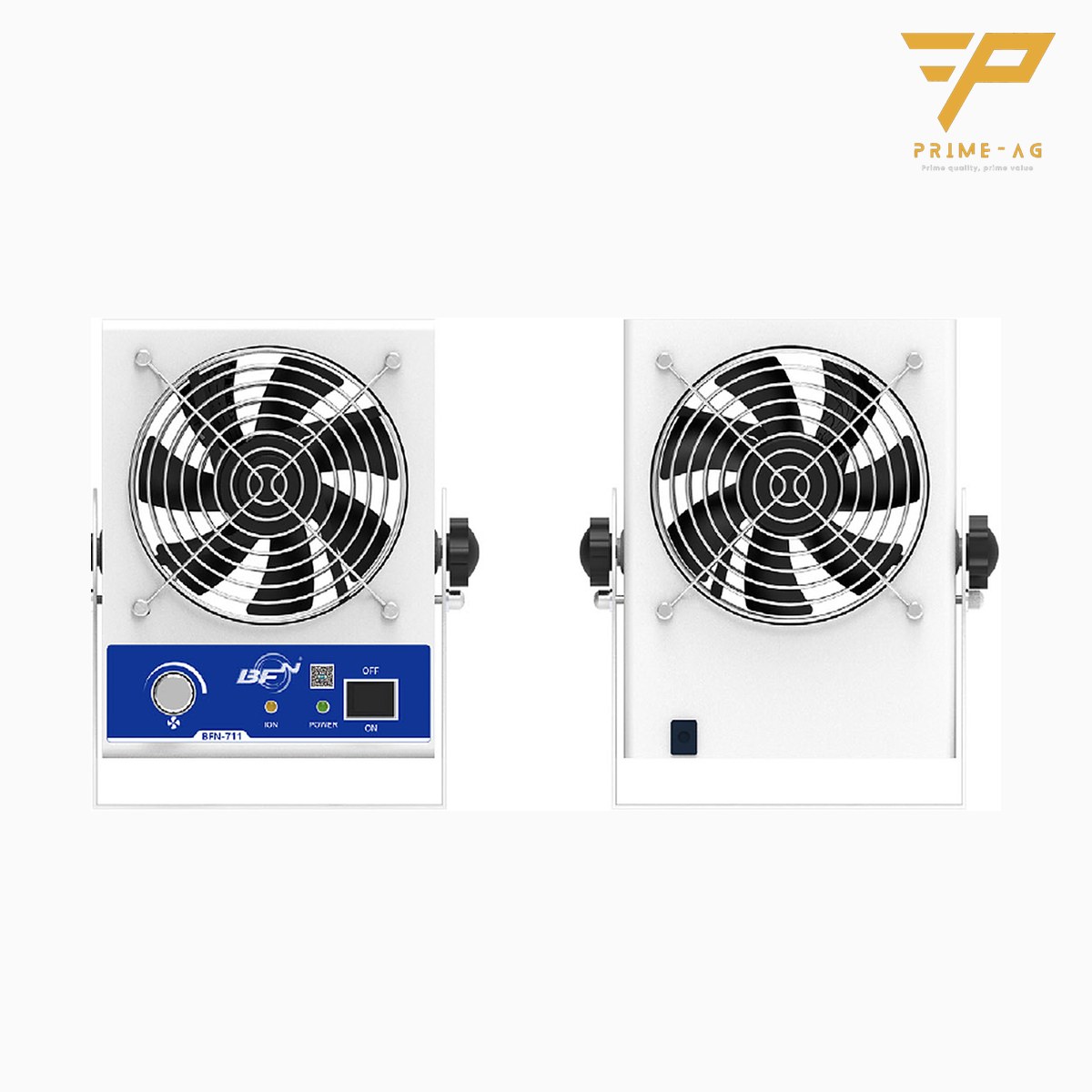
Measurement follows ANSI/ESD STM3.1. Place the plate exactly where the product sits, with nothing in the way, let the ionizer run until stable, then read. Each model’s catalogue specifies its own test distance: the 711 blower is ≤ ±10 V at 300 mm, the 712 fan is −15 to +15 V at 450 mm.
2. Dust and oxide on the emitter pins
Emitter pins attract dust and wear down over time, so positive and negative ion output drifts apart. Switch off the power and wipe with a cotton swab dampened with IPA, without touching the pins with bare hands. Replace worn or broken pins.
3. Dirty filter, weak airflow
A clogged filter cuts airflow; ions recombine before reaching the plate and the discharge time from 1,000 V to 100 V gets longer. Remove the filter and clean it.
4. Poor power supply grounding
An outlet with no ground wire can make the reading drift. Plug into an outlet with a solid ground; if the reading recovers, the fault is the outlet.
5. Air-conditioning blowing across the bench
Strong airflow from the air-conditioner deflects the ion stream. Try turning the ionizer; if the reading improves, change its position rather than turning the knob.
6. Balance adjustment knob: the last step
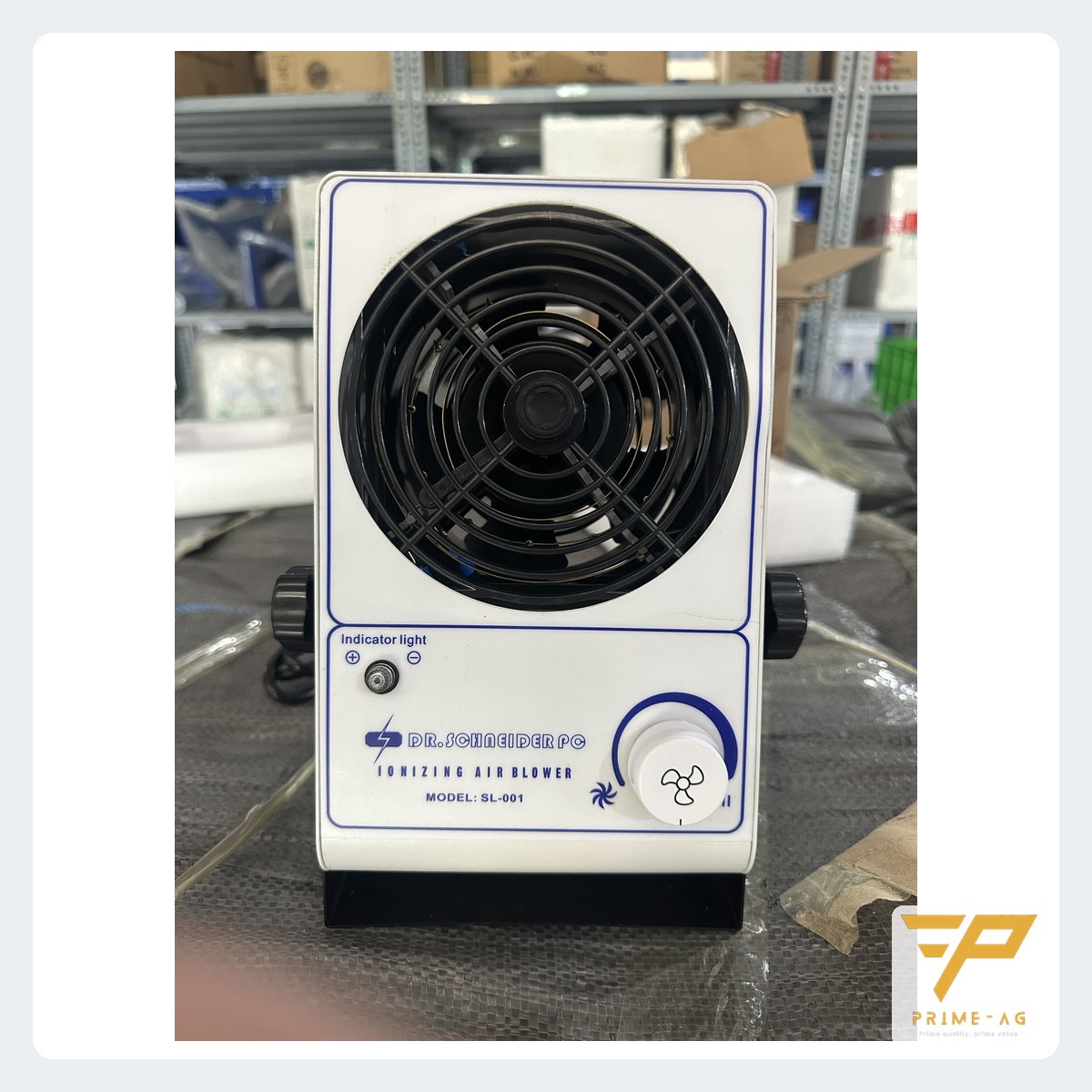
The 701 single-fan benchtop ionizer has manual balance adjustment. Only adjust once the pins and filter are clean; adjust at the product position, in small steps, recording the readings before and after.
Reading the offset: quick table
| Symptom | Usual cause | What to do |
|---|---|---|
| Offset toward one polarity, slow discharge | Dirty or oxidized pins | Clean with IPA, re-measure |
| Reading jumps or drifts over hours | Ungrounded outlet, air-conditioning airflow | Change outlet, change position |
| Still beyond ±35 V after cleaning | Balance out of adjustment, worn pins | Adjust the knob, replace pins |
| Will not come back with adjustment | High-voltage circuit, fan | Send for calibration or replace |
Self-cleaning or manually cleaned ionizer
The 711 single-fan self-cleaning ionizer and the 712 dual-fan self-cleaning ionizer clean their pins automatically at intervals, which suits positions that are hard to reach; the filter still needs cleaning. Manually cleaned units such as the 701 need their pins cleaned weekly. For other formats, see choosing an ionizing blower, ionizing gun or ionizing bar.
When to send for calibration or replace the ionizer
If the unit is clean and the knob has been adjusted but it is still outside ±35 V, or discharge does not recover, send it for calibration. If the fan is noisy or the housing is cracked, replace it. Ionization does not replace wrist straps, mats or flooring.
Start a simple check schedule
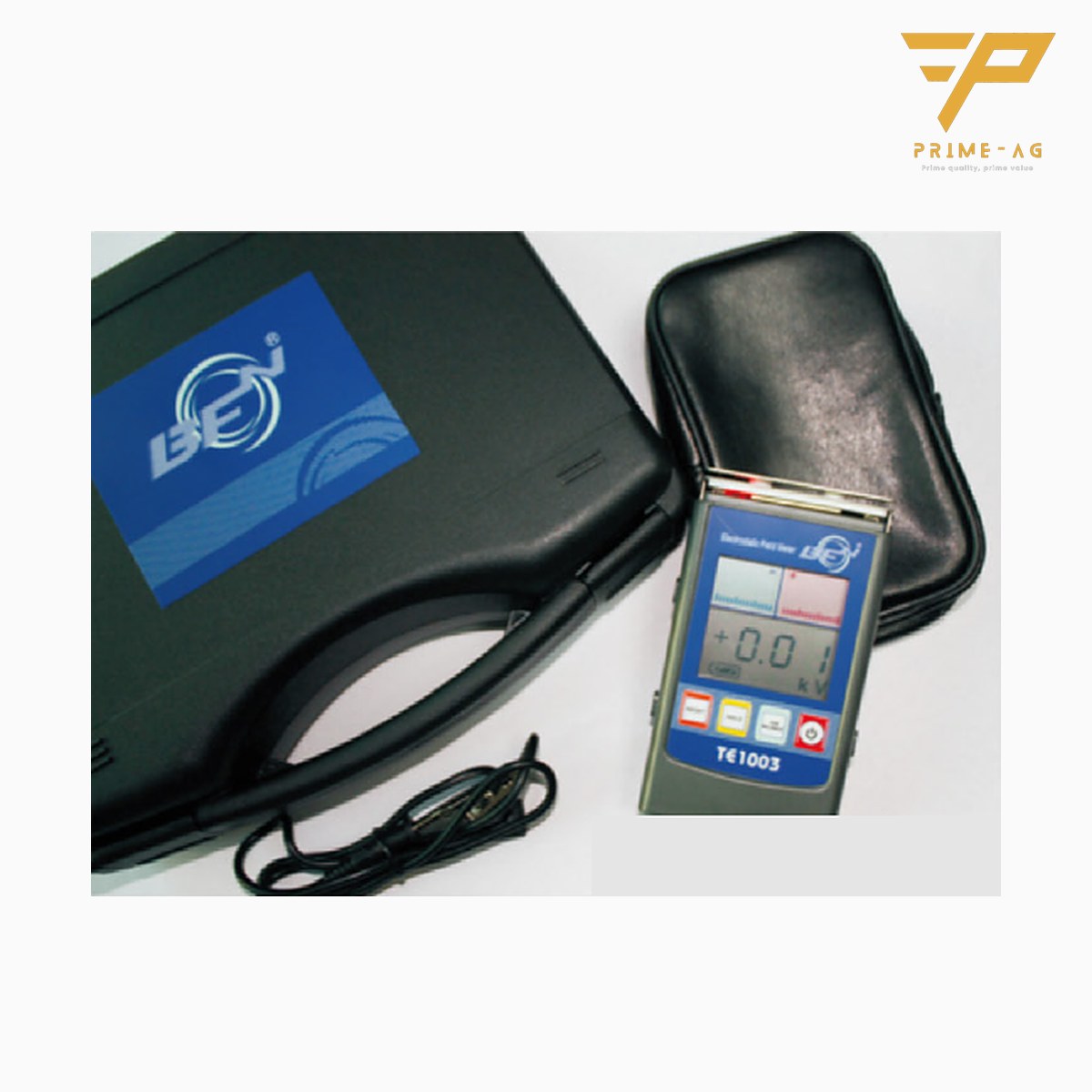
Measure balance and discharge time every 6 months (recommended), and after every cleaning or pin replacement. To measure in-house, use the charged plate kit for ionizer testing, with a 75 × 150 mm, 20 pF plate. For quick checks, the TE1003 handheld electrostatic voltmeter measures balance from 0 to ±220 V but does not measure discharge time. For the mats, wrist straps and flooring around the ionizer, you can ask PRIMEAG for free on-site ESD measurement in Ho Chi Minh City, Binh Duong and Dong Nai (Mon–Sat) with a TR1800 and 5 lb electrodes, including materials bought elsewhere, with no purchase required; you receive a PDF report with photos within 3–5 working days, for reference only, not a substitute for audit records. For line layout, see setting up an EPA for an SMT line.
Frequently asked questions
- What ionizer balance (offset) voltage is acceptable? — Within ±35 V; aim to keep it within ±10 V. Each plant sets its own acceptance value for each position.
- Do self-cleaning ionizers still need periodic testing? — Yes. The pins are cleaned automatically, but the filter still gets dirty and the pins still wear; measure with a charged plate about every 6 months.
- Can a handheld meter replace a charged plate monitor for ionizer balance? — Only for quick balance checks. Measuring discharge time from 1,000 V down to 100 V requires the charged plate kit.
Email: info@primeag.vn · Phone/Zalo: +84 906 108 292
Written by the PRIMEAG engineering team
Updated: 2026-10-23