
How do you stop hickeys caused by paper dust and fibers in a packaging printing plant in Vietnam? Two steps: clean the sheets right before they enter the press, and cut off dust sources around the press. PRIMEAG supplies 0.03 mm PP adhesive dust rolls cut to the shaft width of your roller machine (50–1,750 mm), handheld silicone rollers and lint-free wipes for blankets.
In offset and flexo shops printing paper boxes and labels, white spots with an ink ring (hickeys, “fish eyes”) force operators to stop the press, wash the blanket and plate, then re-adjust color. Most spots come from dust and paper fibers.
- Read the spot type first: an ink ring around a white core is paper fiber; a dark core is dried ink.
- Clean sheets at the feeder: silicone roller with a PP adhesive dust roll cut to the shaft width.
- Wipe blankets with lint-free wipes.
- Cut dust in the shop: block dust from trimming and die-cutting areas; damp-wipe instead of sweeping.
1. Read the spot type to narrow down hickey defects
Examine the defective sheet with a magnifier. A white spot with an ink ring is a particle that does not accept ink sitting on the blanket or plate, usually a paper fiber. A spot with a dark core and a white halo is usually dried ink. Spots repeating in exactly the same position: the particle is still stuck on the blanket or plate. Scattered spots that change position: dust is traveling into the press with the sheets.
2. Check dust sources in order
- Paper and trimmed edges: a dull trimming knife leaves fibers and crumbs; low-quality paper sheds surface dust. Run a hand along the edge of the paper stack to check for white dust.
- Ink: dried ink in the fountain, skin in cans left open for a long time. Remove the skin before topping up, and close partly used cans tightly.
- Shop dust: dry sweeping, forklifts, fans blowing straight at the press, trimming and die-cutting areas placed right next to the press.
- People: fabric gloves and old cotton shirts shed fibers when operators lean over the feeder.
3. Clean sheets before they enter the press
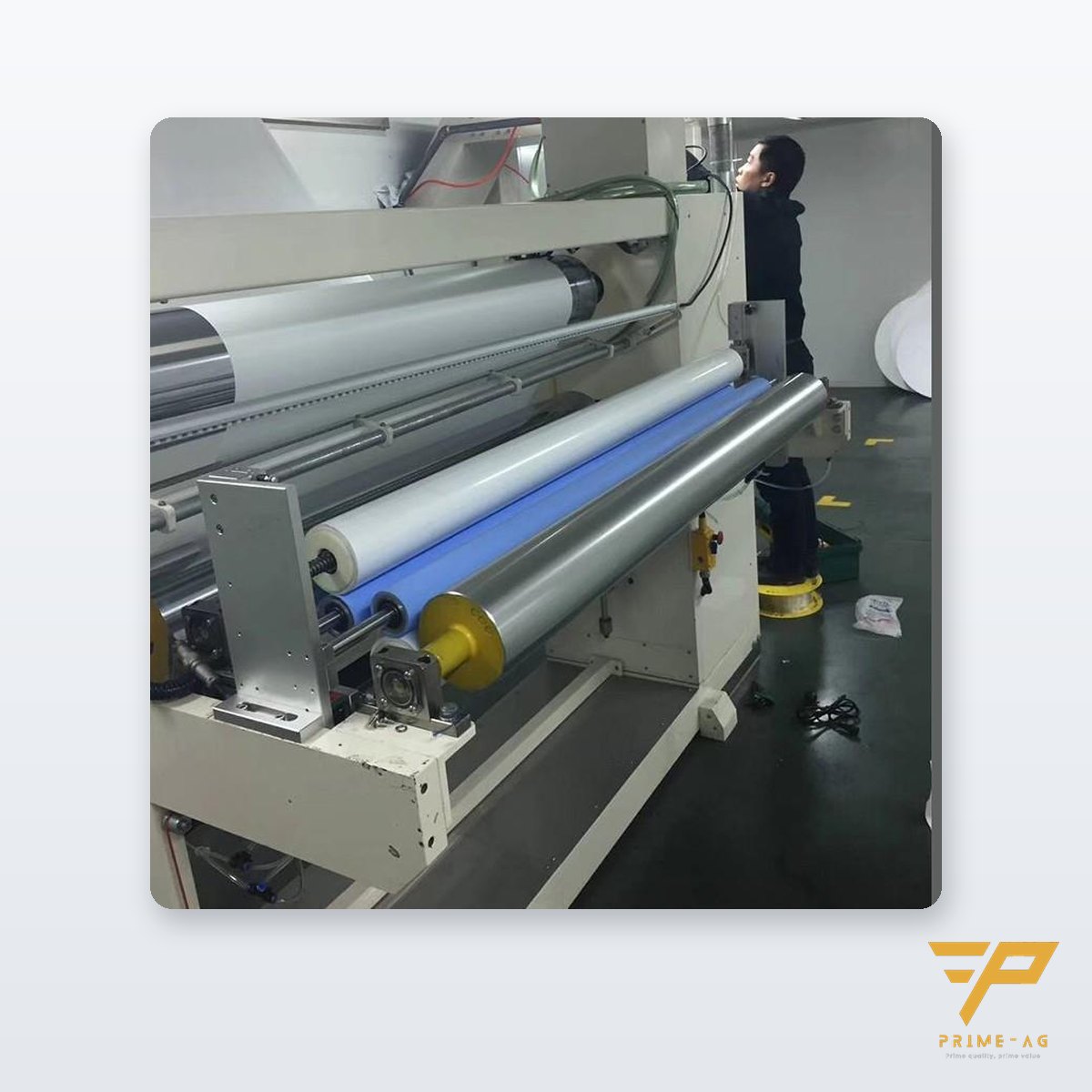
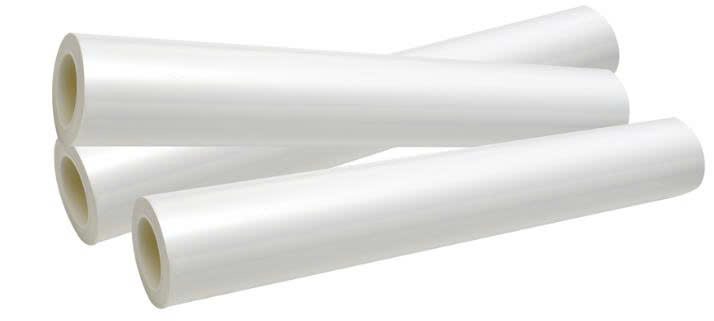
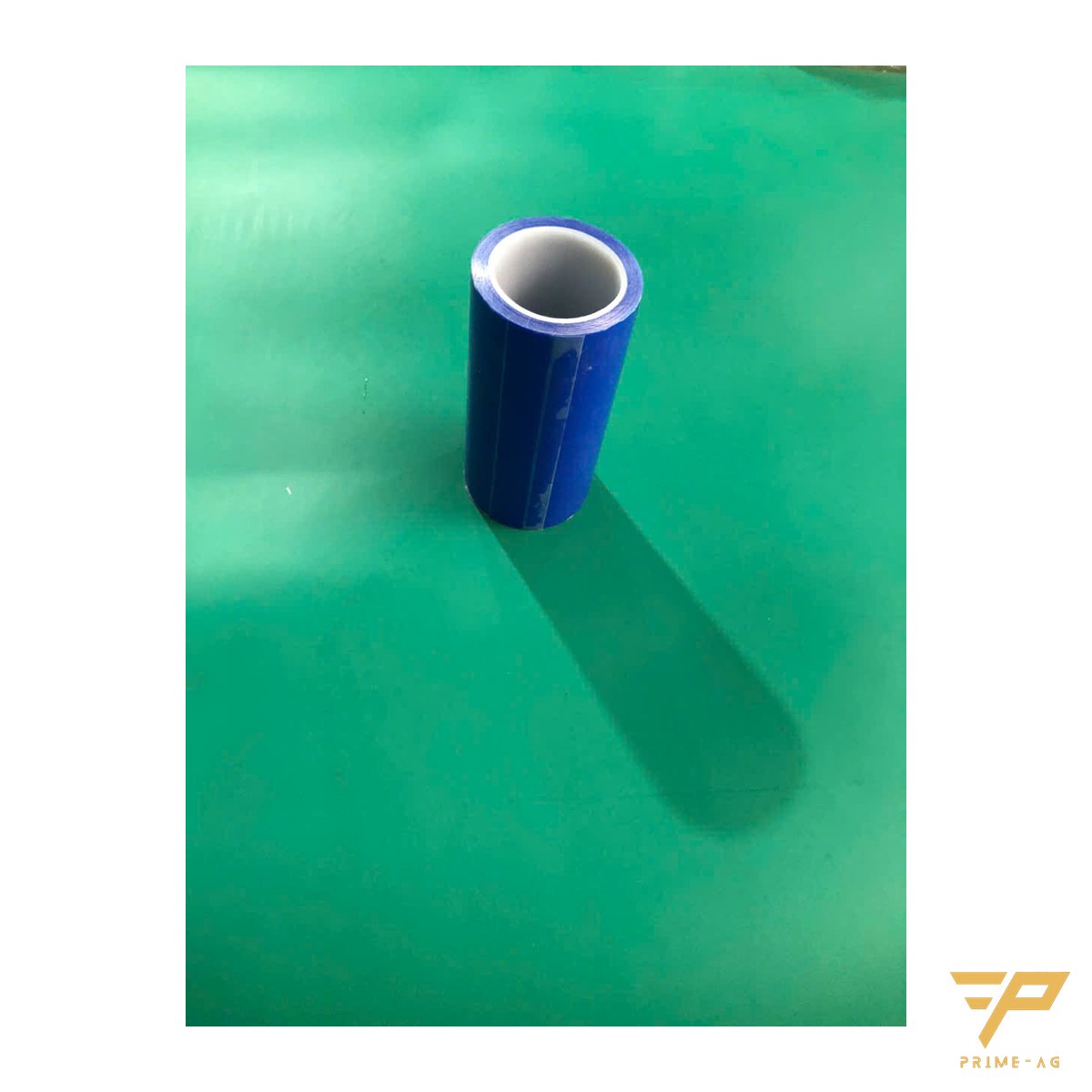
A contact cleaning machine uses a silicone roller rolling over the sheet to pick up fibers and paper crumbs. The PP adhesive dust roll for roller machines is pressed against the silicone roller and continuously takes the dust off it, so the roller always stays clean; when the outer layer is dirty, peel it off. Specs: 0.03 mm PP film, water-based acrylic adhesive, 76.5 mm core, 600–1,200 layers (800 most common), widths 50–1,750 mm cut to the exact shaft size including odd widths, tack D/M/H to suit the surface, MOQ 20 rolls.
For proof sheets and small sheets, roll by hand with a silicone adhesive roller with stainless steel handle in 6, 8 or 12 inch widths; when the core hardens, replace the silicone sleeve and keep the handle. If the roller loses tack early, see why silicone rollers lose tack quickly.
4. Wipe blankets and plates with lint-free wipes
Cotton rags and ordinary paper wipes leave fibers behind that seed the next spot. Use continuous-filament polyester wipes with laser-cut edges: virtually lint-free, resistant to IPA and ethanol. They absorb poorly, so wipe in several thin passes.
5. Block dust from the shop environment
Separate trimming and die-cutting areas from the press with partitions or curtains. Vacuum or damp-wipe instead of dry sweeping. Place a sticky mat at the entrance to the print area to reduce dust carried on shoe soles and wheels. Cover paper rolls and pallets waiting to be printed; for roll storage see roll trolleys and roll racks for packaging plants.
Lookup table: spot type, source, fix
| Spot type | Source | Fix |
|---|---|---|
| White with ink ring, repeating in one spot | Paper fiber stuck on blanket or plate | Wipe the blanket with a lint-free wipe, check trimmed edges |
| White with ink ring, scattered | Dust carried into the press on sheets | Dust-removal roller machine with PP roll before the print unit |
| Dark core, white halo | Dried ink, ink skin | Remove the skin, clean the fountain |
| Increases when trimming/die-cutting runs | Dust from the trimming area next to the press | Separate the area, vacuum |
Where to start
- Collect 10 defective sheets and classify them using the table.
- Measure the shaft width and core of the roller machine before ordering rolls.
- Record the number of blanket-wash stops per shift, before and after.
Frequently asked questions
- Hickeys from paper dust or dried ink: how do I tell them apart? — A white core with an ink ring is usually paper fiber, handled at the sheet-cleaning stage. A dark core with a white halo is usually dried ink, handled at the ink fountain.
- What info do I need to order PP adhesive dust rolls for a roller machine? — Shaft width, core diameter, the maximum outer diameter the holder accepts, and the sheet surface type to choose the tack level. A 1-roll sample is available for a trial run.
- Can a handheld silicone roller clean large-format print sheets? — Hand rollers are 150–300 mm wide, suited to proof sheets and small sheets. Large sheets running continuously should go through a dust-removal roller machine.
Email: info@primeag.vn · Phone/Zalo: +84 906 108 292
Written by the PRIMEAG engineering team
Updated: 2026-10-28