
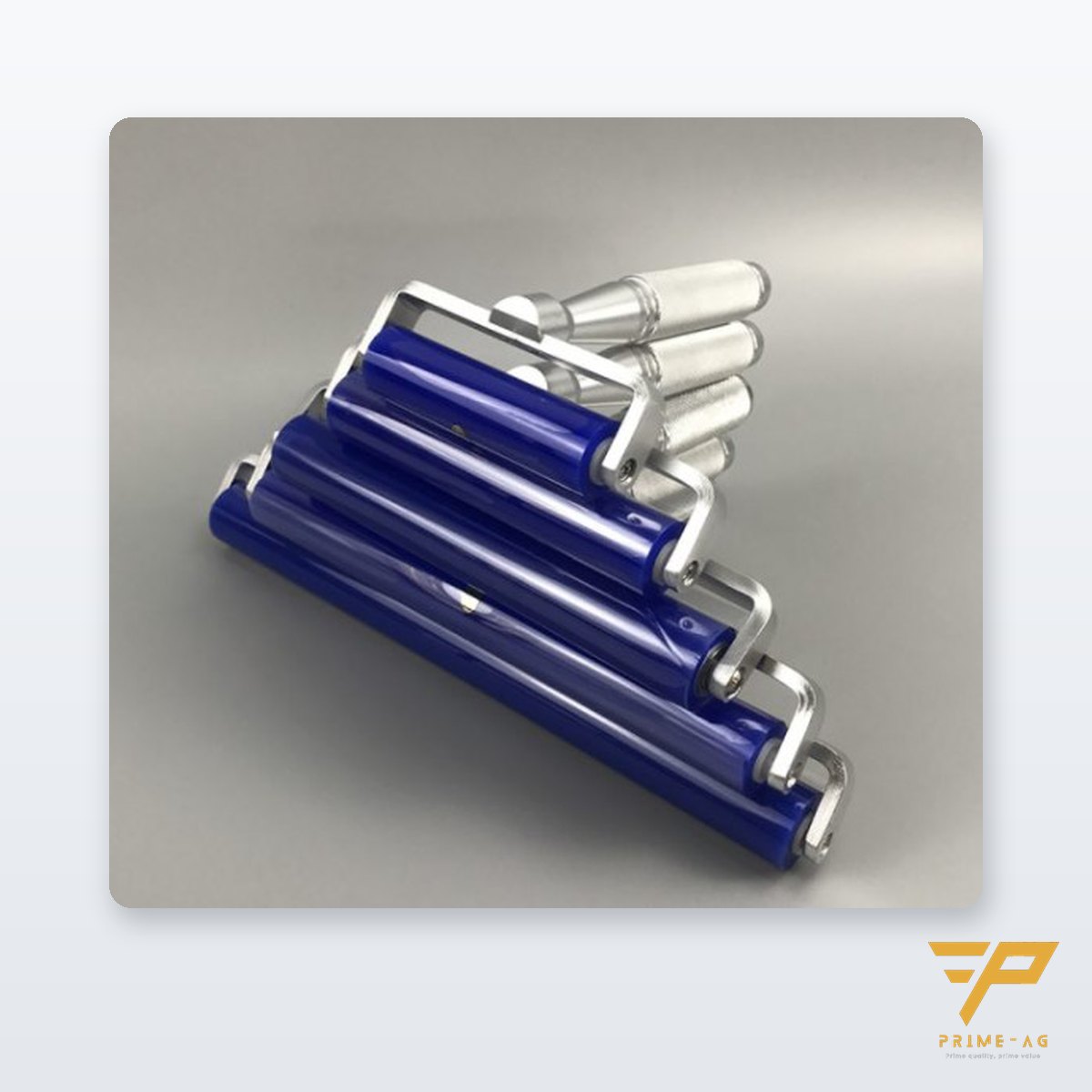
A silicone dust roller that stops picking up dust after a few days is usually not being rolled back over a DCR pad, the DCR sheet is full and has not been peeled, or the roller core has picked up oil. PRIMEAG recommends checking in that order, wiping the core with a wiper dampened with diluted IPA and letting it air-dry; if it is still slick or the core has hardened (typically after 6–12 months), replace it.
In pharmaceutical, cosmetics and food packing areas, or at glass rolling stations, a new roller picks film, bottles and glass panels clean in the first week. By the second week it takes three or four passes to lift a single fiber. Usually the core is still fine; it is just dirty or being used for the wrong job.
- The silicone core is only lightly tacky and needs a tackier DCR sheet to release the dust.
- Oil, hand sweat and foreign adhesive glaze the core faster than dry dust.
- Restore it with diluted IPA or a mild soap, then let it air-dry.
- If it cannot be restored, replace only the core and keep the stainless steel handle.
Why a silicone roller needs a DCR sheet
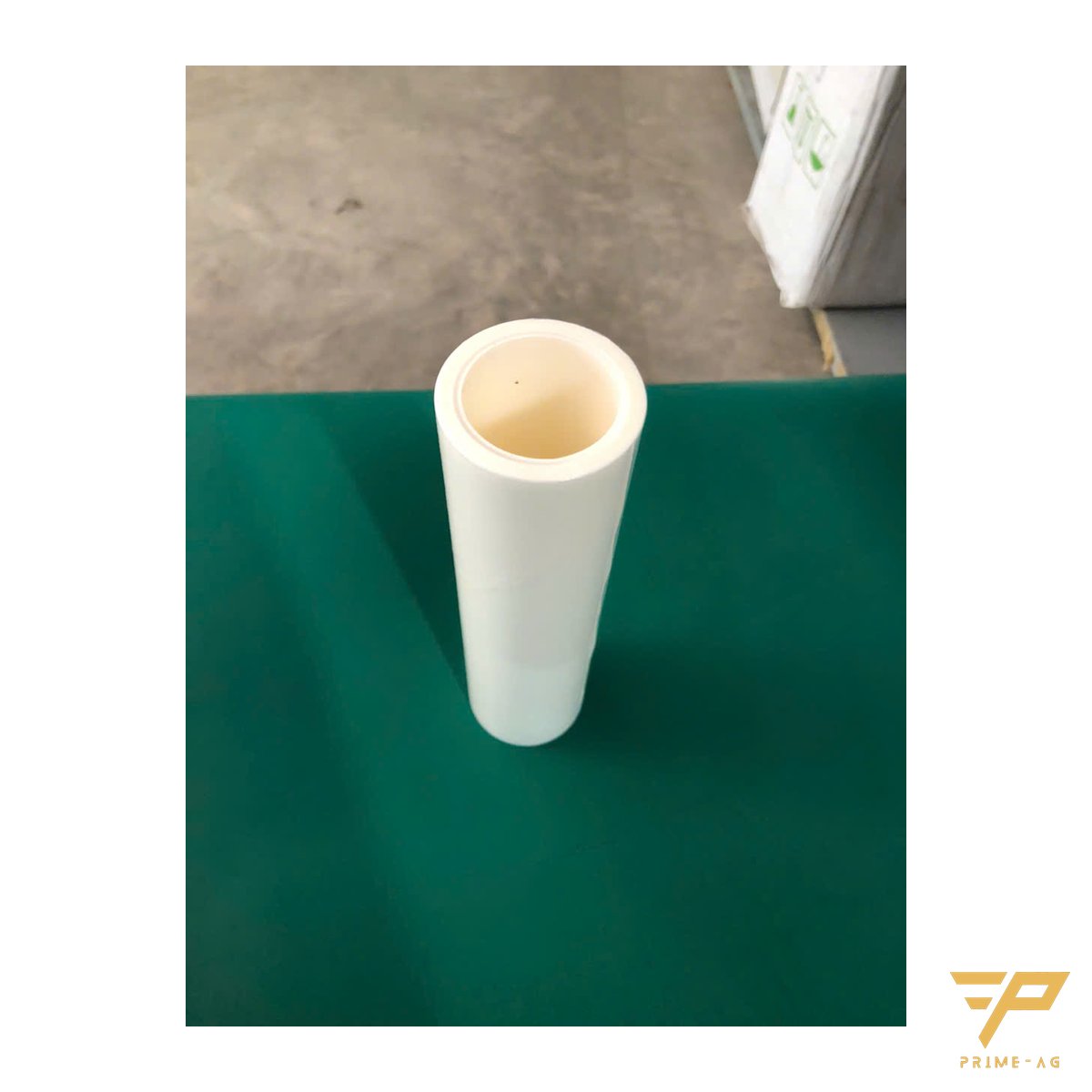
The system works on a tack gradient: the product is the least tacky, the silicone core is tackier, and the DCR sheet is the tackiest. Dust moves from the product to the core, then onto the adhesive sheet. Without the last step, the dust stays on the core.
Six things to check, in order
1. Not rolling back over the DCR pad
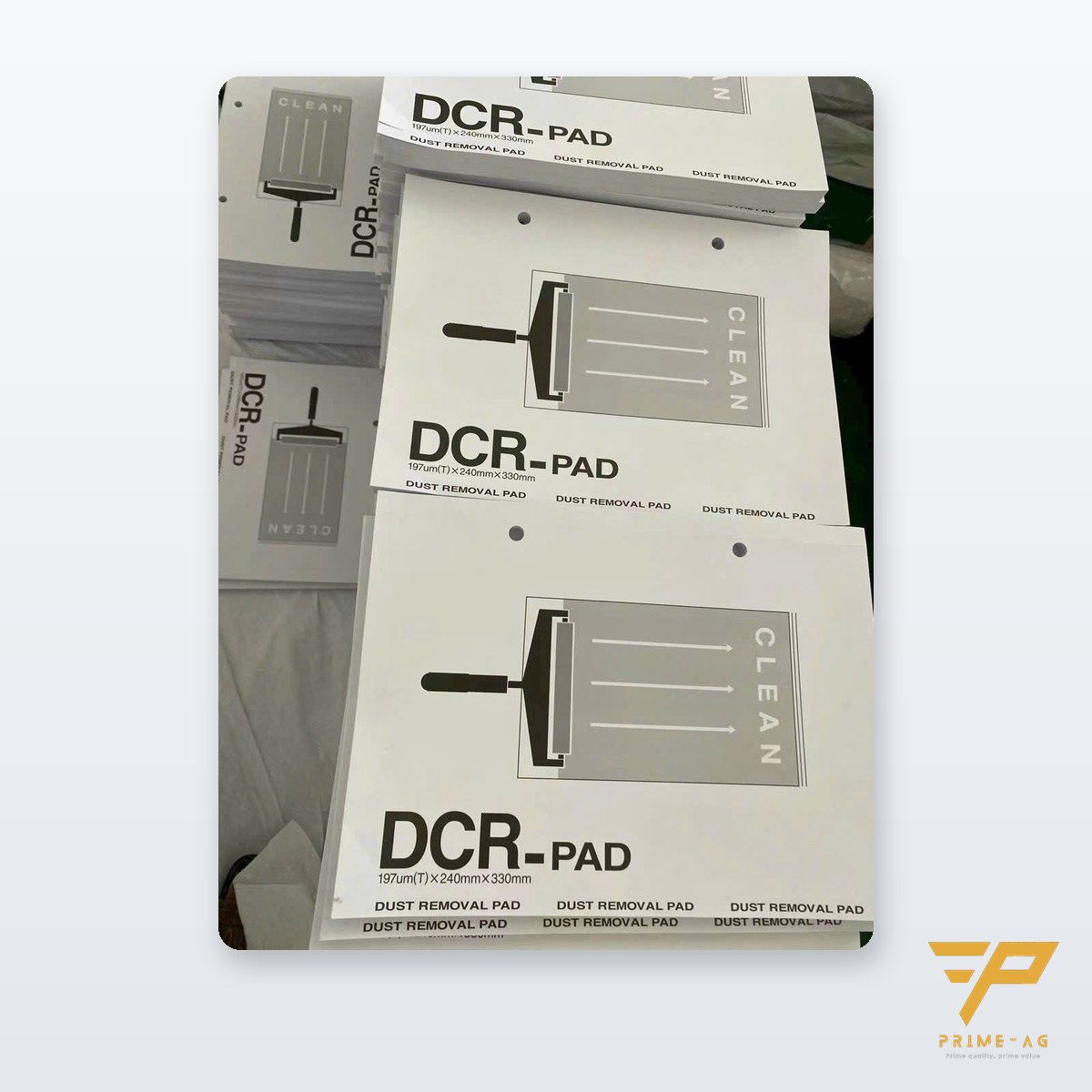
Rolling many products in a row covers the core surface with fine dust. After each product or every few passes, roll the roller over a DCR pad dust-removal sheet two or three times.
2. The DCR sheet is full but has not been peeled
A saturated adhesive sheet no longer takes dust and can even pass dust back to the core. Peel the sheet when the adhesive surface looks evenly dull with no glossy areas left; in practice that is about 20–30 rolls per sheet. Hang the pad by the two holes at the top edge rather than leaving it face up to collect dust.
3. Oil, grease or adhesive on the core
Bare-hand fingerprints, surfaces still wet with solvent, uncured paint and adhesive residue all leave a film on the core. The core becomes glossy and slick in patches and does not regain tack even after rolling over the DCR.
4. Cleaning it the wrong way
Using ordinary tape or stickers to strip dust: the foreign adhesive damages the silicone surface. Soaking in strong solvents, drying in the sun or heat-drying to speed things up also degrades the core.
5. The core has hardened with age
After thousands of passes, typically 6–12 months, the core hardens, or it has cuts and cracks that trap dust. Washing no longer helps.
6. Wrong roller type for the job
Silicone suits flat, hard surfaces. Used on clothing, floors or uneven trays, the core does not pick everything up and gets dirty very quickly.
| Symptom | Common cause | Fix |
|---|---|---|
| Tack returns right after rolling over the DCR | Core cleaning step skipped | Place the DCR pad right next to the rolling station |
| A fresh DCR sheet cleans the core better | Adhesive sheet saturated | Peel the sheet when the adhesive turns dull |
| Core glossy and slick in patches | Oil, fingerprints, adhesive | Wipe with diluted IPA; wear gloves when handling |
| Core surface hard, cracked or cut | Aging or wrong washing | Replace the core |
| Gets dirty fast on fabric or trays | Wrong roller type | Switch to a paper roller or a wiper |
Restoring the core correctly
- Roll it a few times over a fresh DCR sheet to remove all dry dust.
- If it is still slick: wipe it with a 1009 polyester cleanroom wiper dampened with diluted IPA, or wash it in warm water with a mild soap and rinse thoroughly.
- Let it air-dry on a rack and store it in a closed box only when fully dry; never rest the core surface face down on the bench.
- Test it on a dusty sample sheet; if it does not pick up, replace the core.
The silicone dust roller with 304 stainless steel handle comes in 6, 8 and 12 in widths; when replacing, buy only the core and keep using the handle. For rolling PCBs inside an EPA, order the ESD version on request.
Keep a separate roller for each area; a roller from the cutting or grinding area carries chips and oil.
Choosing the right roller type
- PCBs, glass, film before lamination or pressing: silicone roller with DCR pad.
- Clothing, lockers and floors in changing rooms or in front of the cleanroom door: tear-off paper sticky roller.
- Large-panel dust rolling machines: PP sticky roll for dust rolling machines, cut to the shaft width.
- Trays, bins, uneven surfaces: wipers with IPA.
Self-check at the rolling station
- The DCR pad hangs next to the station, with someone responsible for peeling sheets.
- Operators wear gloves and never touch the core with bare hands.
- Record the date each core goes into use so you know when to replace it.
Door mats have similar problems: sticky mats losing tack quickly and tearing when peeling layers. How to combine mats and rollers at the entrance: three layers of dust control at the clean area entrance.
Frequently asked questions
- Can I wash a silicone dust roller with water? — Yes. Wash it in warm water with a mild soap, let it air-dry and keep it out of the sun.
- How many times can one DCR pad sheet be used? — There is no fixed number; in practice about 20–30 rolls. Peel the sheet when the adhesive surface is evenly dull.
- When the silicone core loses its tack, do I have to throw away the whole roller? — No. Replace only the core and keep using the stainless steel handle.
Email: info@primeag.vn · Phone/Zalo: +84 906 108 292
Written by the PRIMEAG engineering team
Updated: 2026-10-27